
SpicyChat’s billing help describes stale sessions and payments on a different account as possible reasons for missing benefits. Compare the mobile profile with the original transaction before buying again.
Verify the visible account
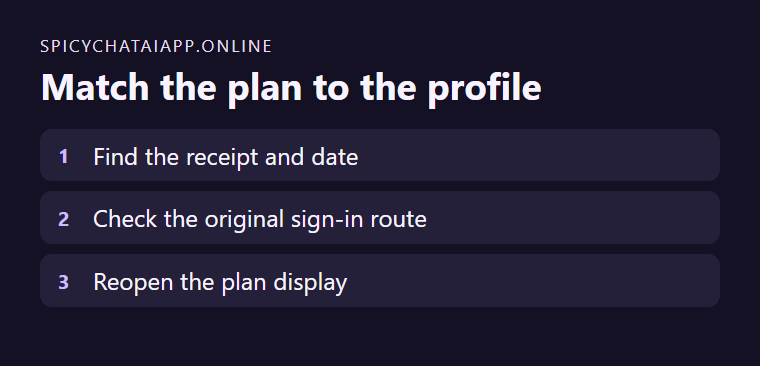
Identify the account you used at checkout. Confirm the same profile in your phone browser or app. Use the original sign-in route when refreshing the session. On Android, the provider also suggests checking whether the app is current through its official route.
Read the feature under that account
Open the plan display and check for the feature you expected. When the payment and profile match but the benefit is missing, give the provider the date, order reference and requested profile details. Keep verification codes and full payment details private.