
A queue and a long wait for a reply happen at different points. SpicyChat’s queue help describes access queues during heavy demand and differences between plans. Capture the screen you can reach before assuming something about your subscription.
Check whether you could send the turn
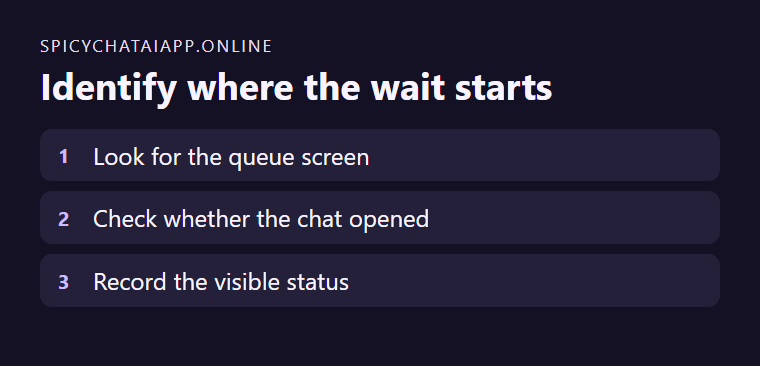
If a queue appears before the chat opens, save the message and whether it displays a position. If you already sent a fictional turn and see the same thread, note the time and whether other pages load. Retry once on the same route if the service remains available.
Apply the help for the state you see
Check the signed-in plan if the queue is unexpected. If one reply stalls, use the relevant troubleshooting guidance for the browser or app. Keep the device, route and exact step in your report.